
Sustainable on-call schedules
5 MUST HAVE BEST PRACTICES TO REDUCE STRESS LEVELS AND EMPOWER YOUR ON-CALL RESOURCES
Being on-call is not fun, especially if your team is expected to support production applications round the clock without a Follow The Sun global team. Make sure you are following the best practices below to protect your team from burning out.
Avoid alert fatigue
Set a max limit – Determine how many alerts are too many alerts. The answer varies across teams, alert timings etc. Get team consensus on the max limit and make sure that the number of alerts in a shift period stay below that threshold.
Address duplicate alerts – More often than not failures trigger multiple alerts. Schedule review sessions periodically to review the most frequent alerts and find ways to aggregate and correlate them. Ideally there should only be one alert per incident.
Prioritize alerts
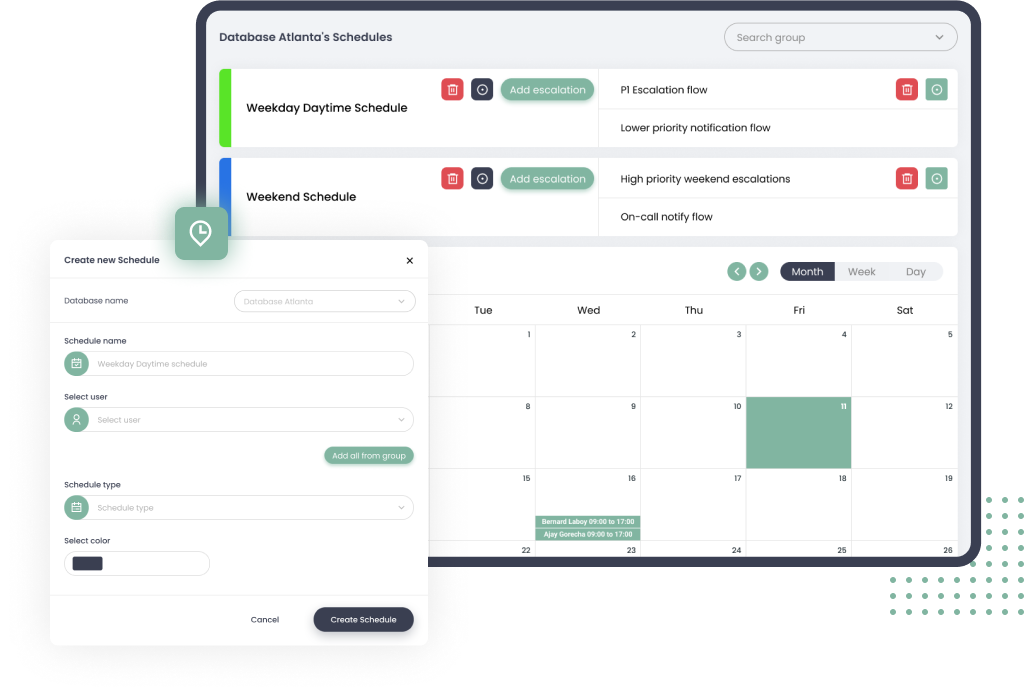
Not all incidents needs to wake up someone at night. Categorize alerts based on the impact and urgency and set escalation rules based on the priority. For e.g. lower priority incidents should only send an email so that the incident is worked upon the next business day. A high priority incident on the other hand should follow a separate high priority escalation chain.
Maintain Runbooks and Knowledge articles
Resolving a high priority issue can be difficult and time consuming if the engineer do not have enough information or if they do not have the right level of access to relevant systems. Create runbooks and knowledge articles so that the team can have effective schedule rotations even with newer members in the team.
Automate
Redundant tasks can be frustrating and distract your team from more important activities. In your review meetings keep an eye out for opportunities for automation. E.g. If some servers are constantly running out of memory and needs to be restarted, a workflow to restart the servers could be put in place while a permanent fix for the issue is being worked upon.
Compensation
If your team is handling issues after hours, appreciate the effort and provide perks in the form of time off, flexibility and recognition.